Video Tutorial
Watch our video tutorial or follow the steps below.
Step 1
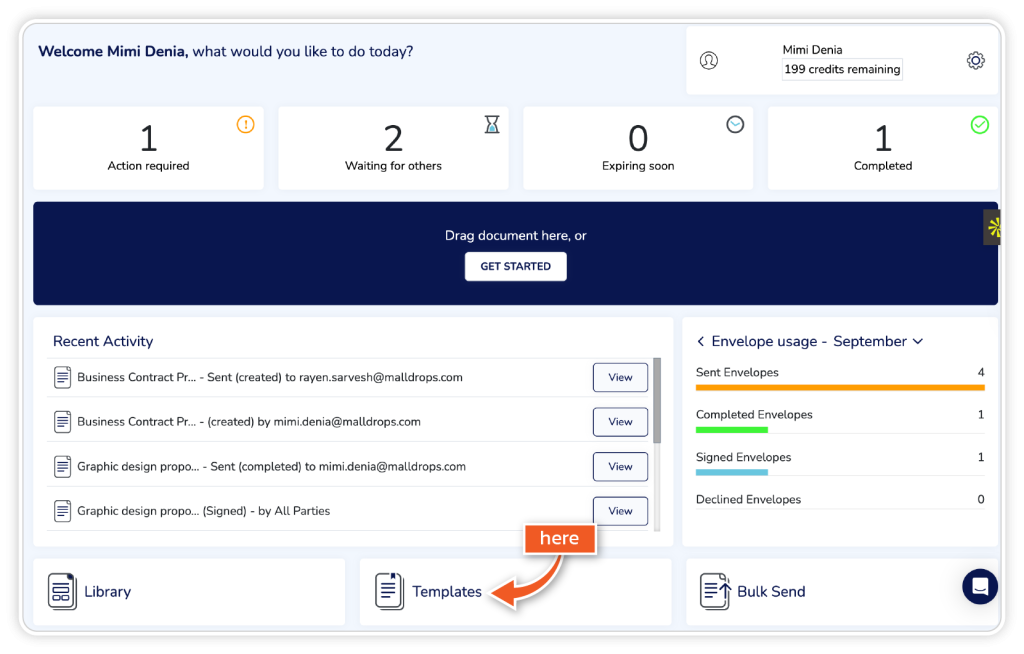
From the dashboard, click ‘Get Started’ or ‘Templates’.
Step 2
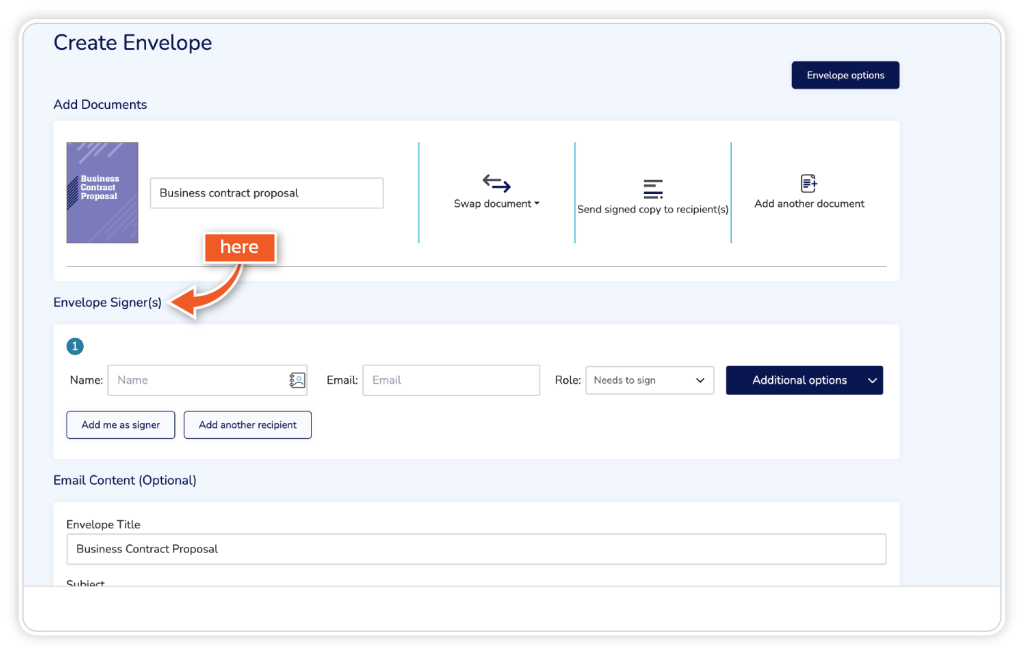
Go to Envelope Signers.
Step 3
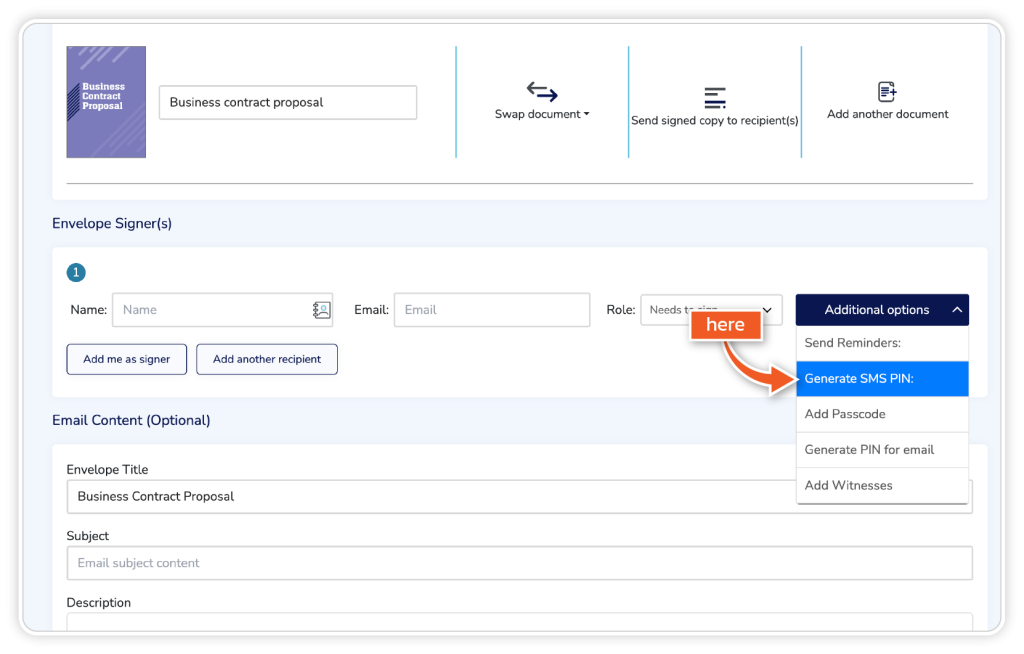
Click the additional options dropdown.
Step 4
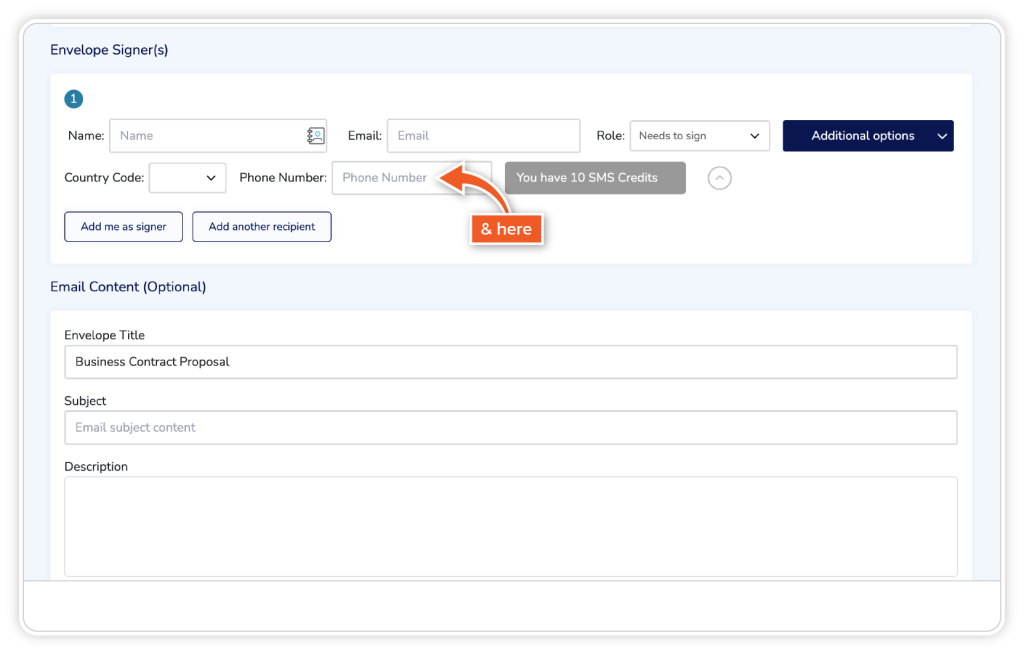
Click ‘Generate SMS PIN’ and add the country code and phone number.