Integrations are available on Enterprise plans.
Step 1
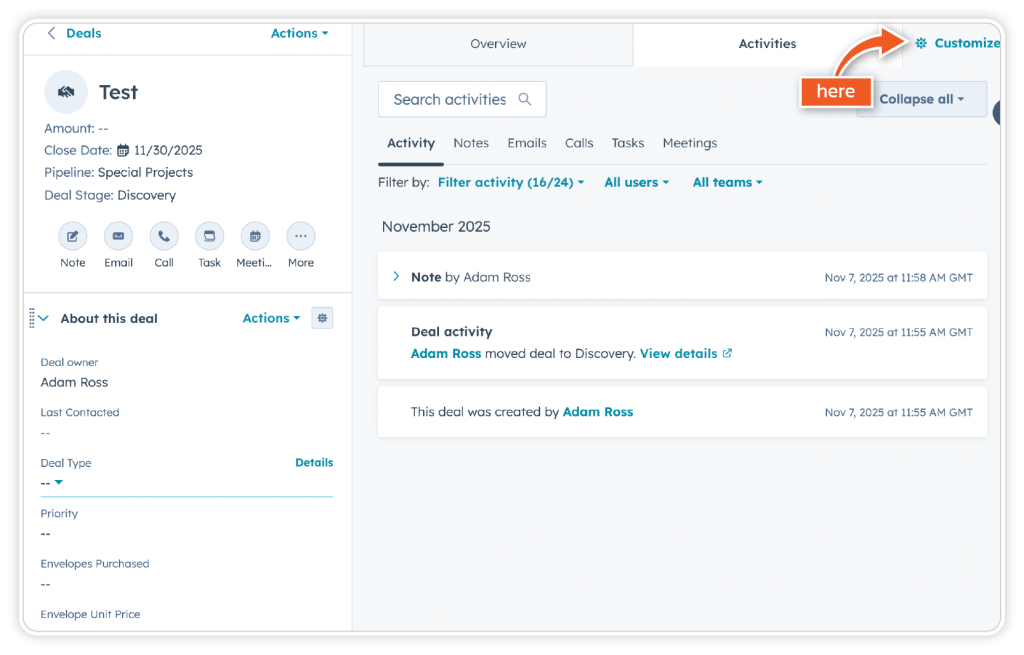
Once you have installed the eSign plugin from the Marketplace, access any deal in your dashboard and click on ‘Customise’.
Step 2
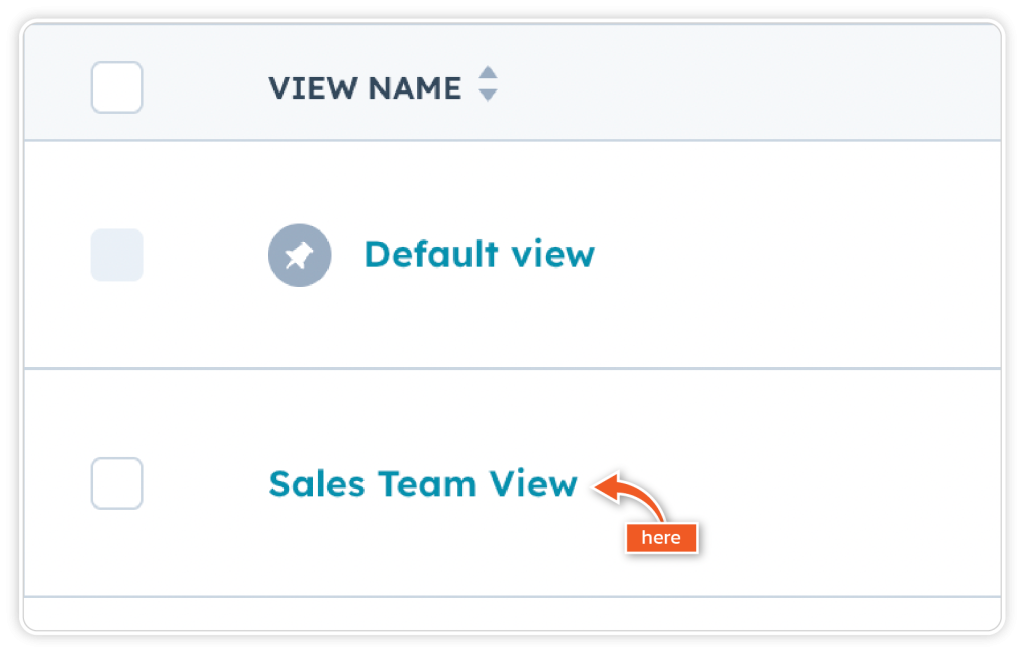
Click on the view you wish to add the card to.
Step 3
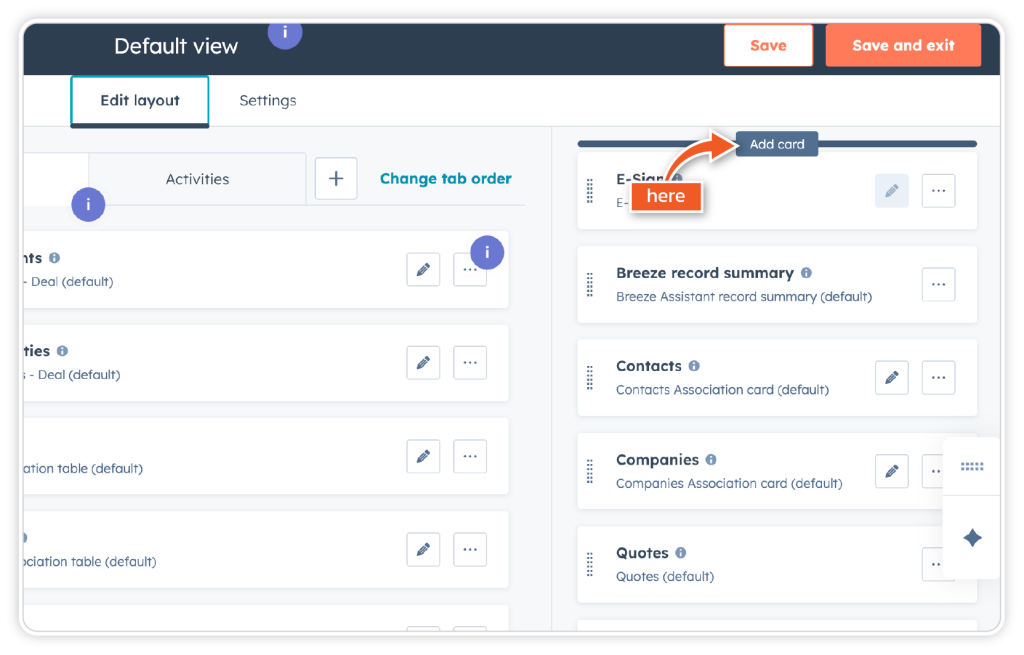
Click ‘Add card’
Step 4
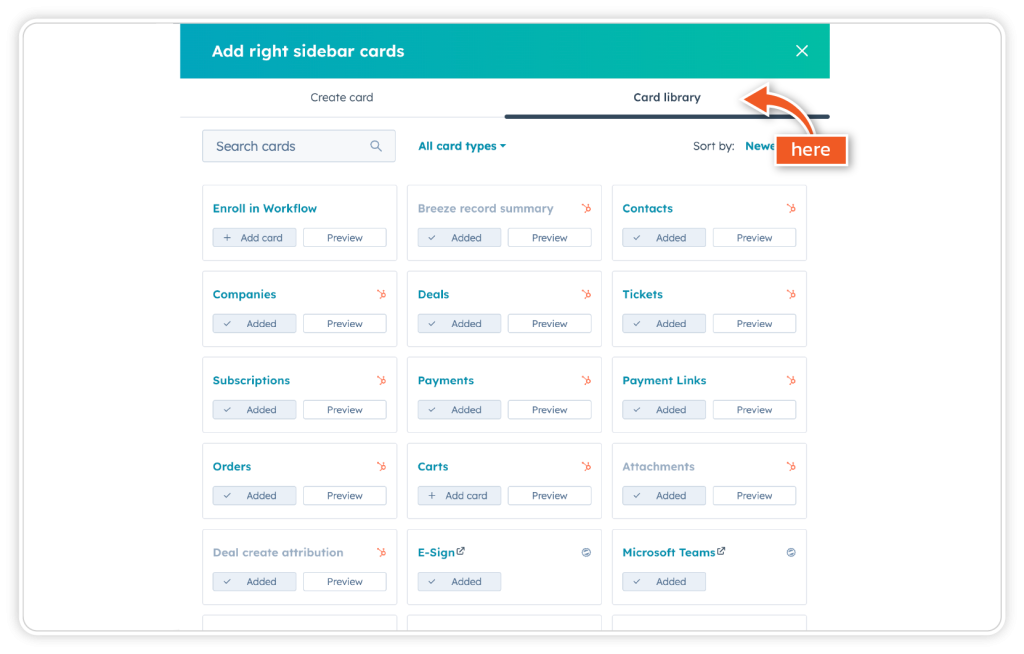
Next, go to ‘Card library’.
Step 5
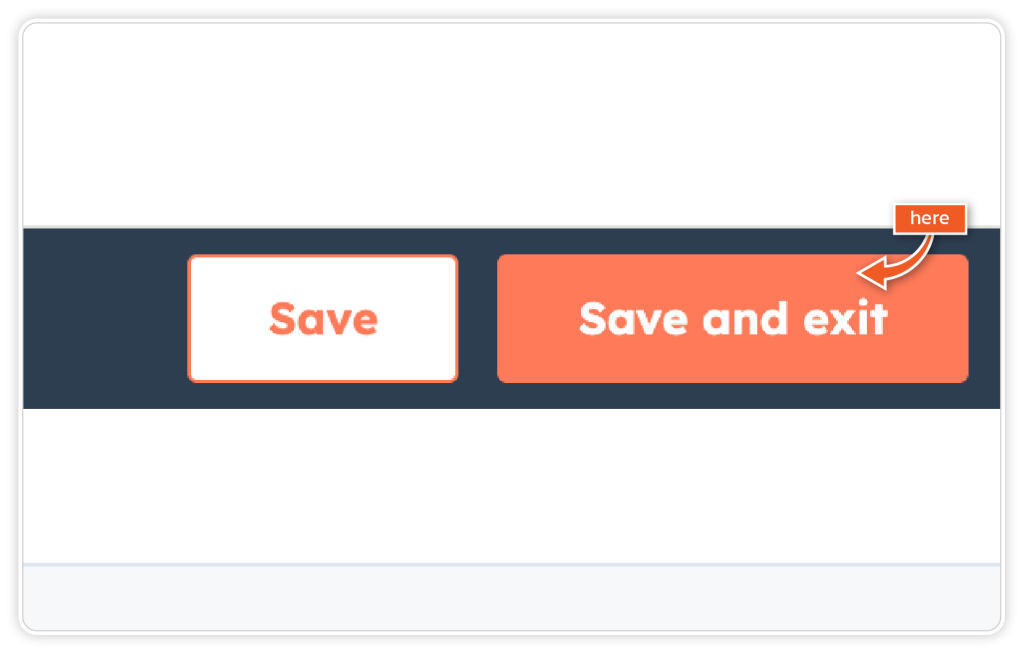
Find eSign and add it as a card. Then close the window. Click ‘Save and exit’.
Step 6
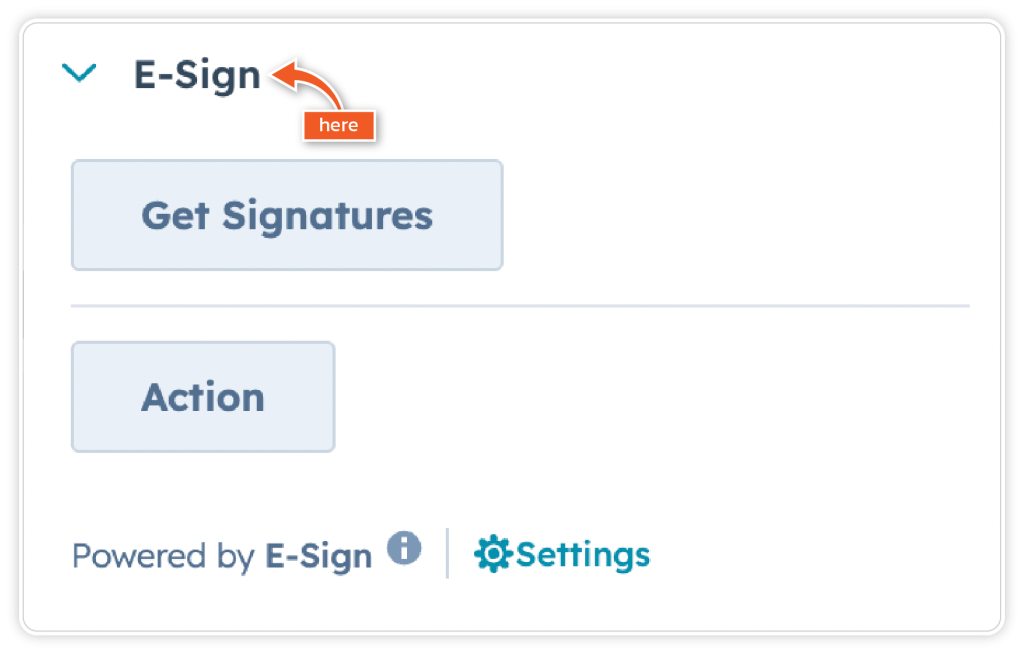
The eSign card will now appear in the top right-hand corner of the screen for the deal.