Web forms are available on Enterprise plans.
Allow customers to populate and eSign documents on your website, app or via email. Collect all the information you require in an easy and signable format.
Video Tutorial
Watch our video tutorial or follow the steps below.
Step 1
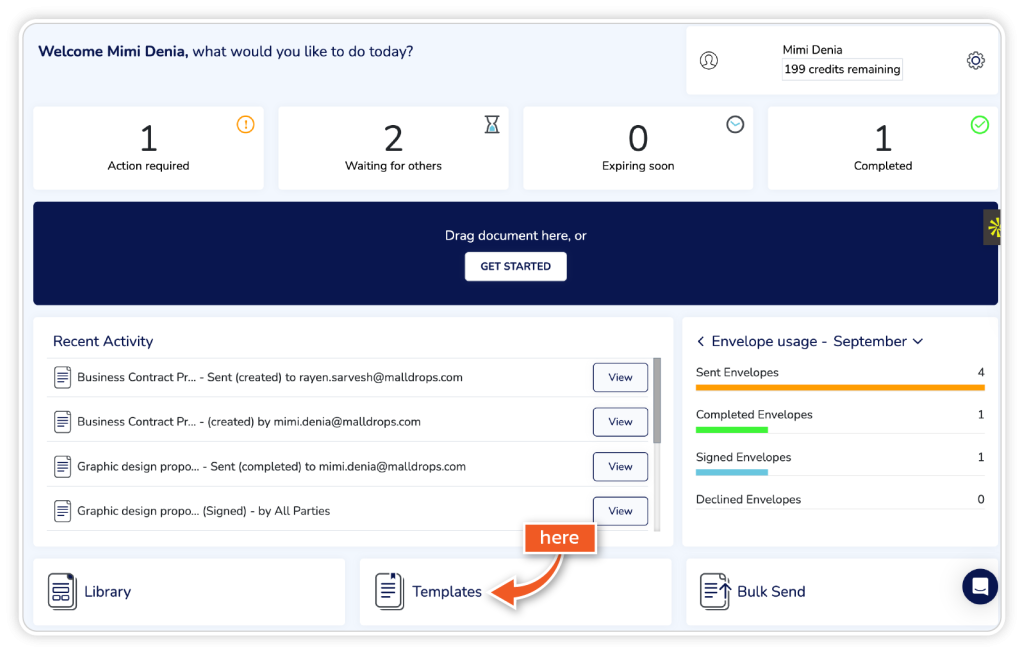
From the dashboard, go to ‘Templates’.
Step 2
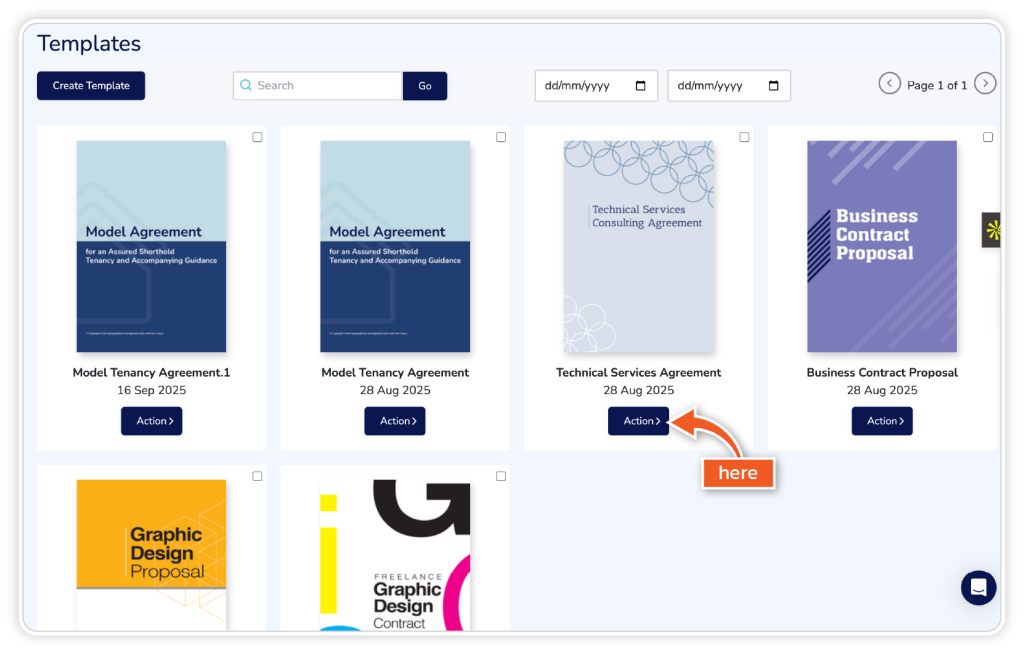
Find the template you want to use and click ‘Action’.
Step 3
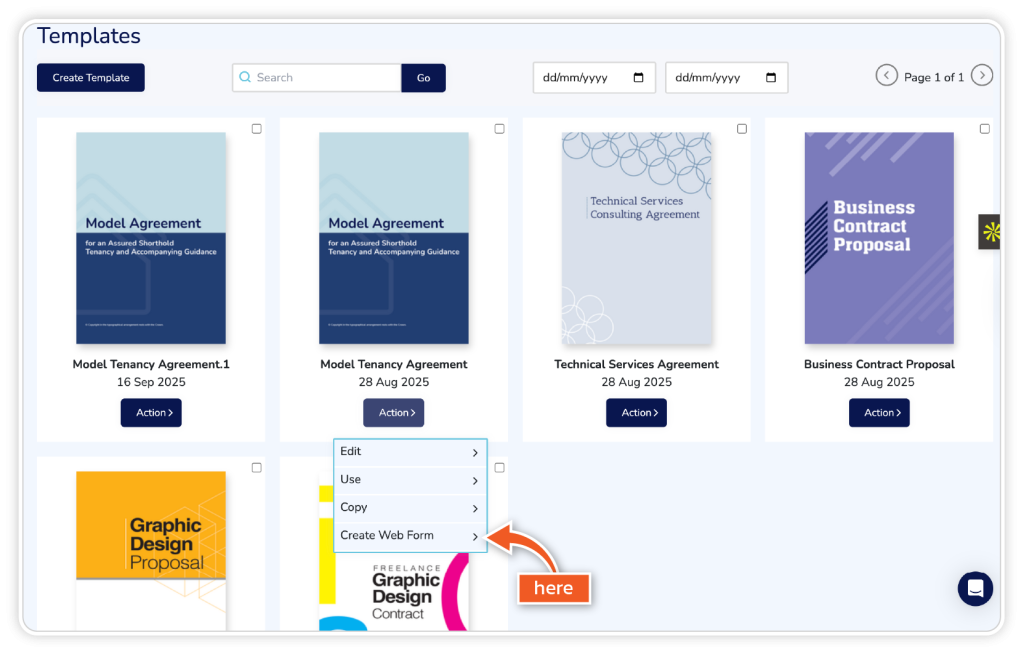
From the dropdown, choose ‘Create Web Form’.
Step 4
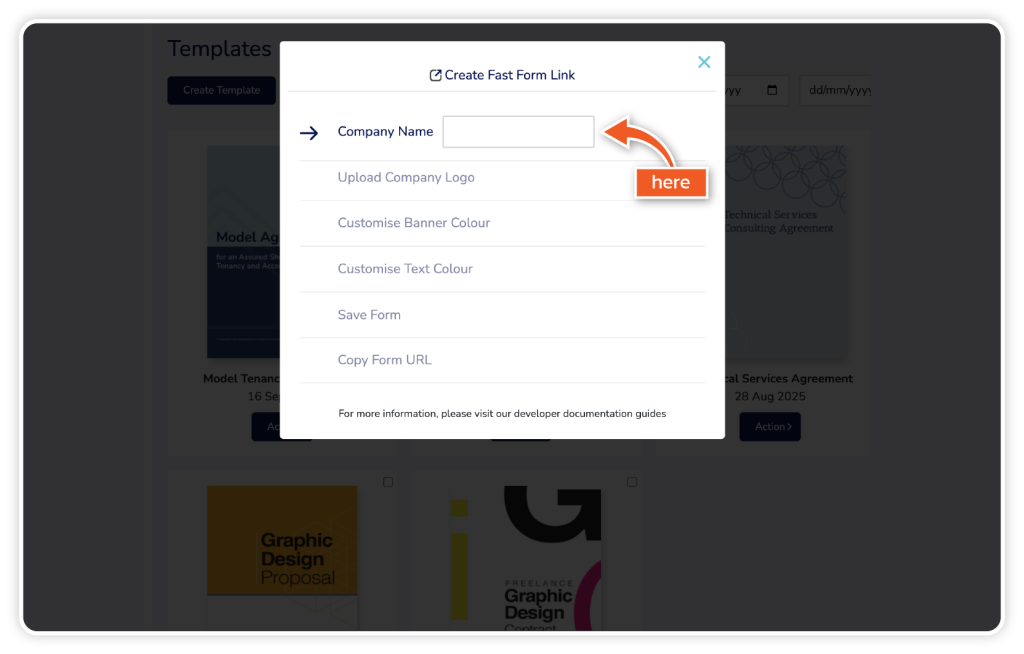
Complete the required information and click ‘Save’.